Creating a new layer
To create a layer, click the + button in the Layers tab.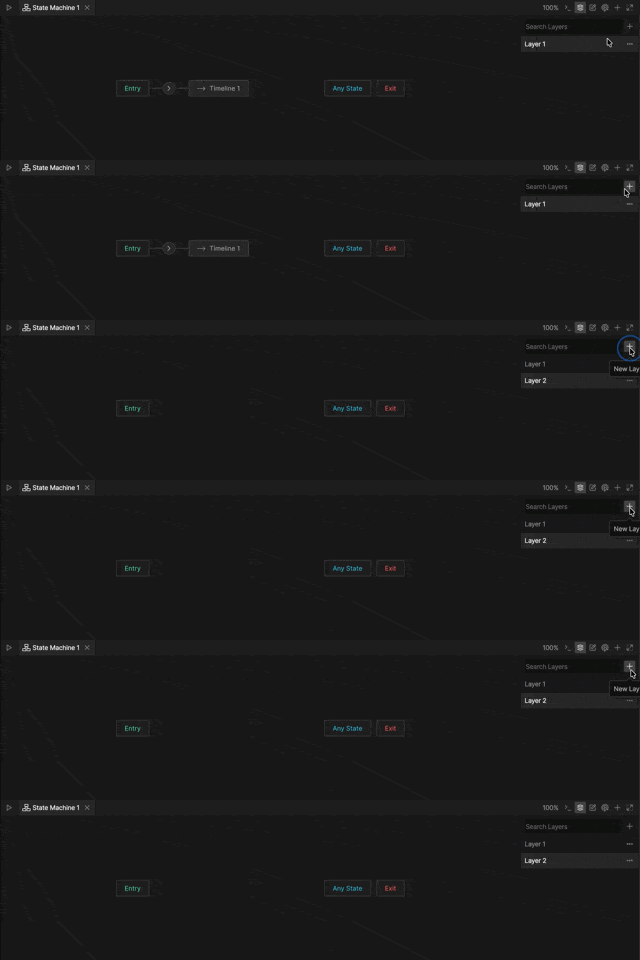
Layer order
Layer order determines which layer takes priority when multiple layers animate the same property. Layers farther down the list take priority over layers above them. In most cases, this does not matter. However, if multiple layers control the same object property, the animation in the lower layer takes priority as the layers mix.Changing layer order
To change layer order, drag layers up or down in the Layers tab.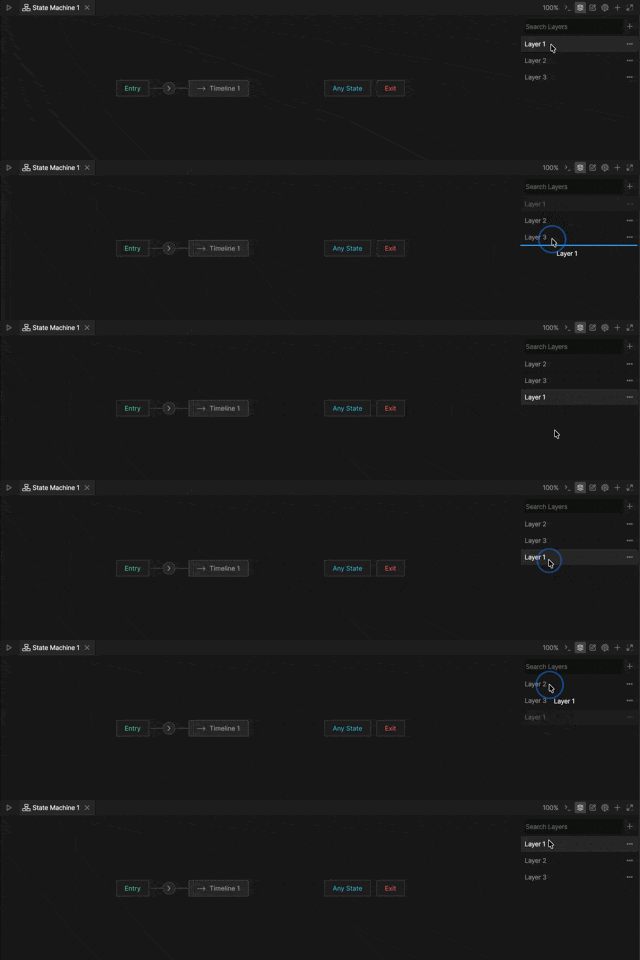
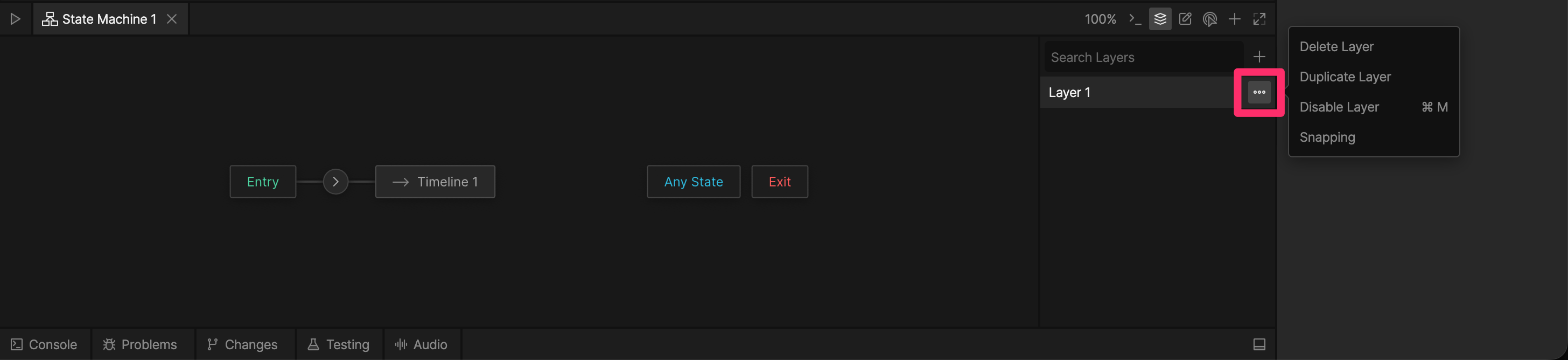
Layer menu
Click the … button next to a layer name to open the layer menu.